Brands
How can we help?

Centralize, manage, and protect your intellectual property by organizing brands, trademark properties, applications, and marketing campaigns, all in one place.
Brands
Description:
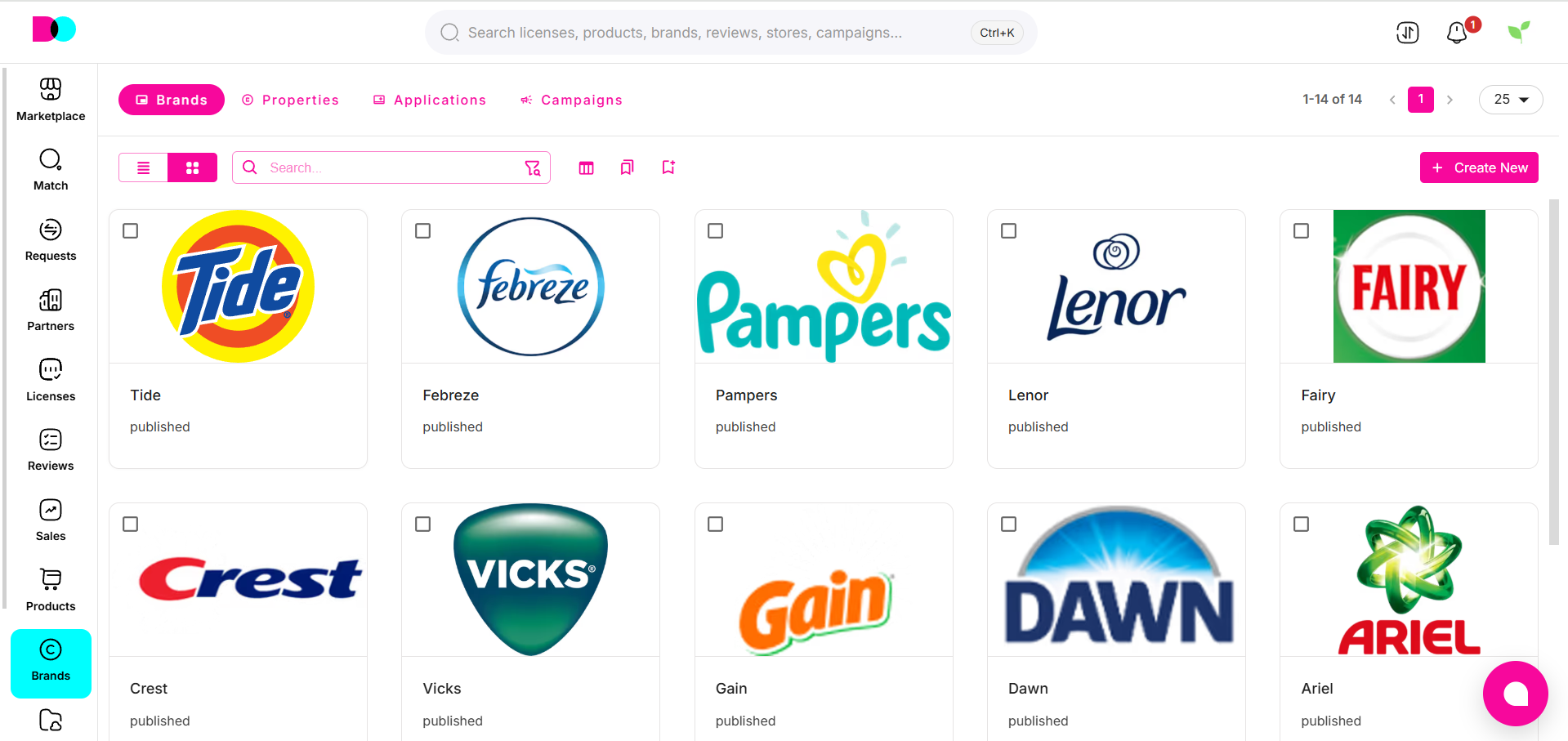
The Brands dashboard lists all the registered or managed brands within your portfolio. Each brand card displays logo, name, and status to give you instant oversight. This module is foundational for tracking brand ownership and activity across all licensing deals.
Properties
Description:
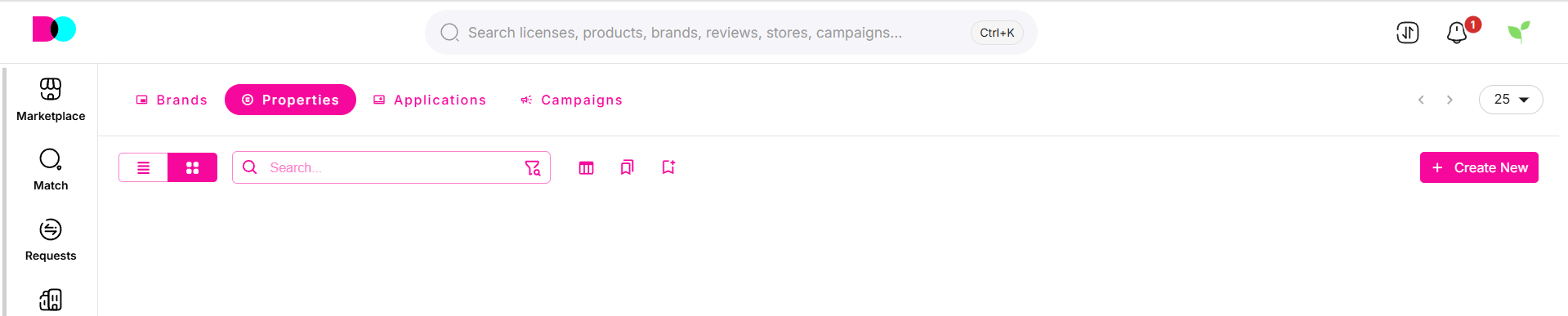
Under Properties, manage specific intellectual property assets including trademarks, word marks, and graphic assets linked to each brand. Each card gives a snapshot of asset type and title, helping you ensure legal protection and global compliance.
Applications
Description:
Applications let you track all government filings and registration progress. View application numbers, registration numbers, property linked, type of IP, and assigned territory—making it easy to monitor the status of IP protection worldwide.

Campaigns
Description:
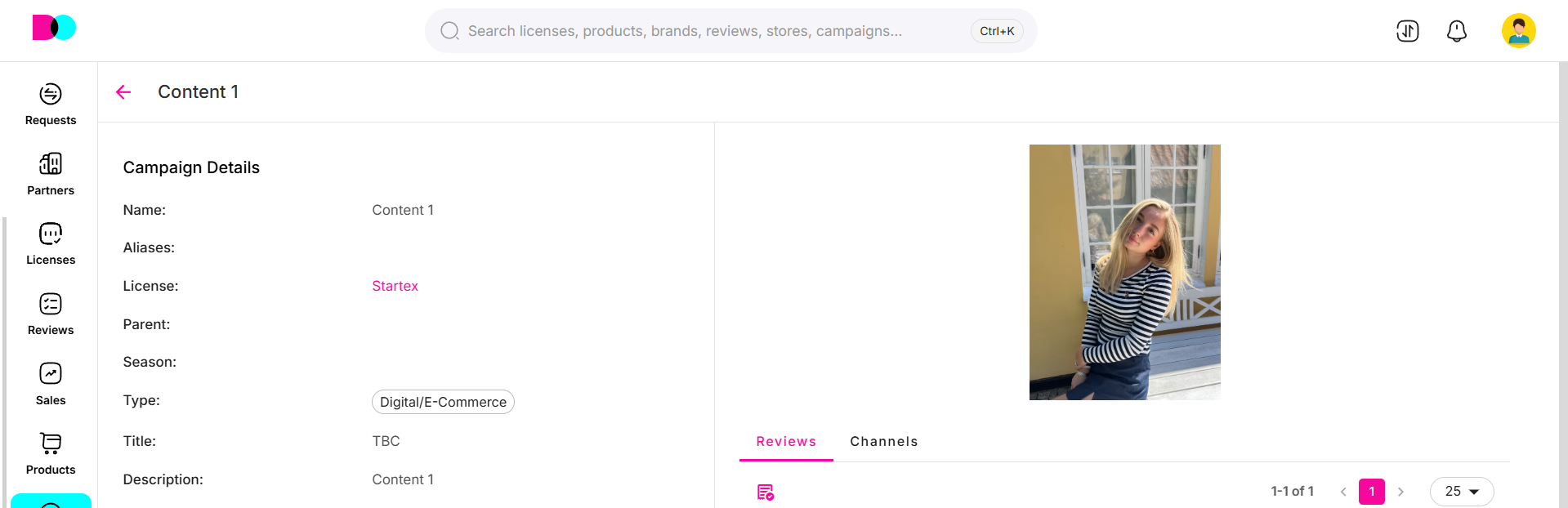
Manage and review marketing campaigns tied to each brand or IP. Store campaign visuals, schedules, and KPIs in one spot for improved coordination between brand managers, designers, licensees, and marketing teams.
Create New Brand
Description:
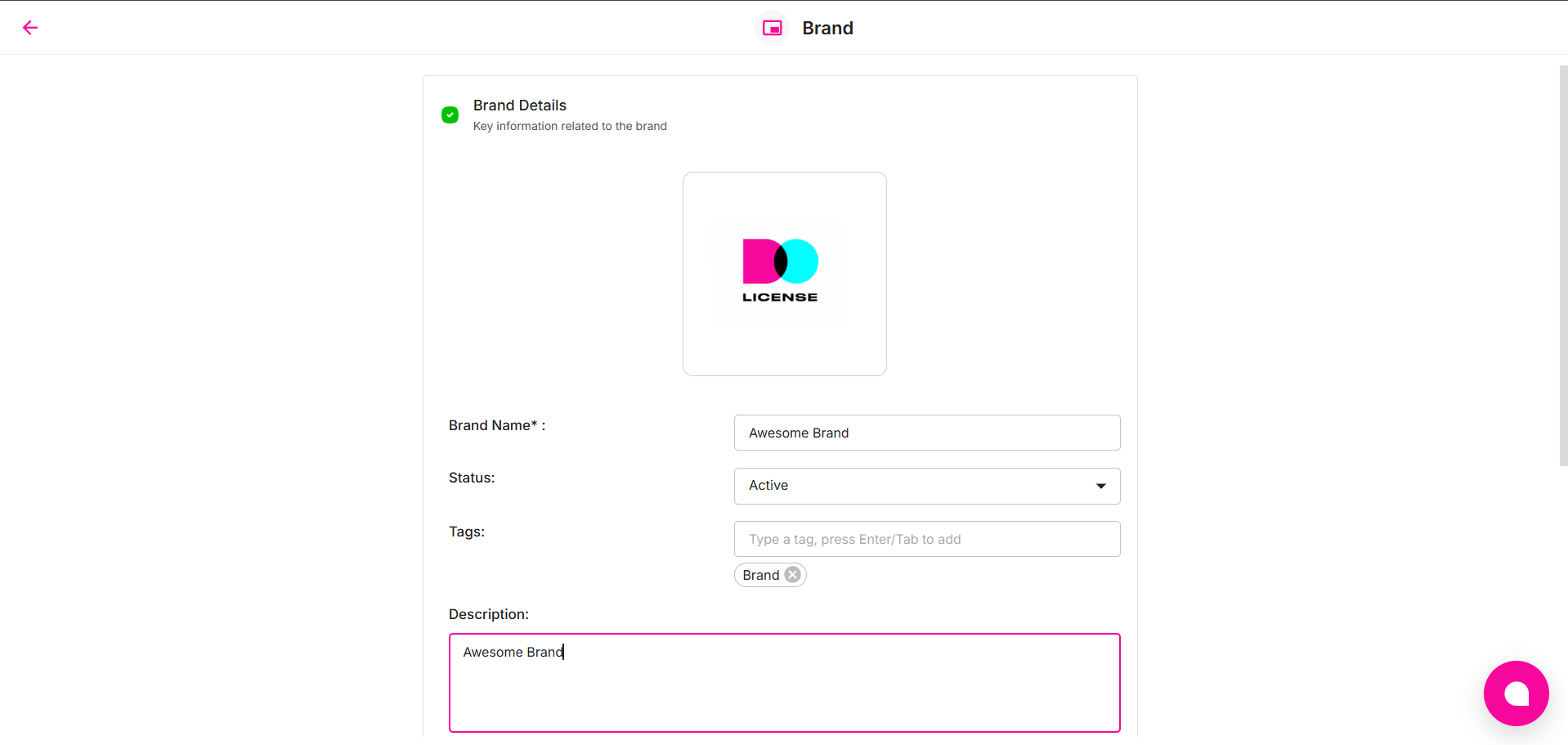
Click "Create New" to add a new brand into the Dolicense ecosystem. Fill in details like brand name, status, tags, logo, and description. This process ensures all brand-related data stays organized and ready for future expansion or legal filings.
For full brand health, keep properties, registrations, and campaigns continually updated, and use the search and filter functionality to quickly access any brand, asset, or campaign.
Can't find what you're looking for?