How can we help?

Sales
Easily monitor, analyze, and manage sales data across products, channels, and global territories, aligned to every license, store, and reporting period.
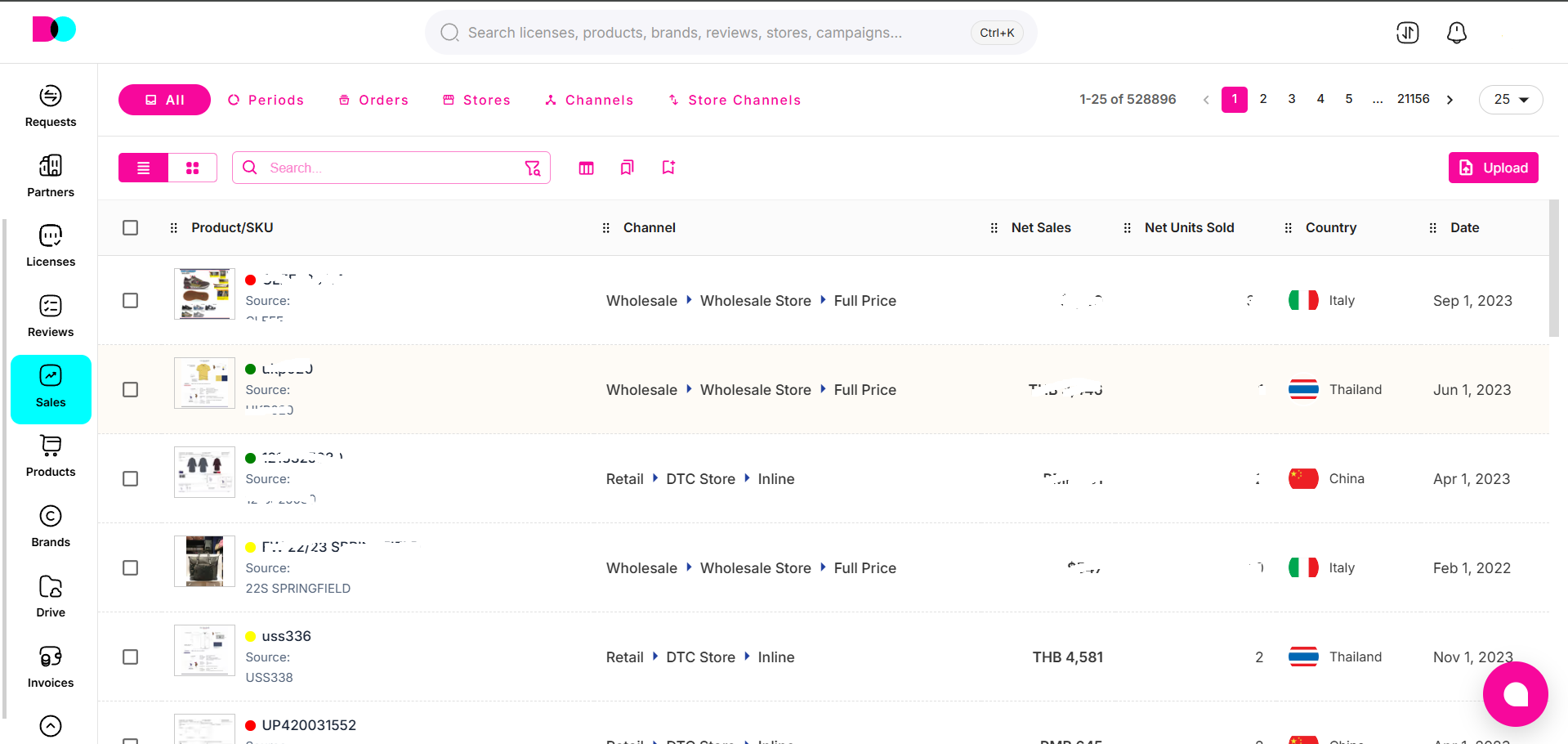
1. Periods
Description:
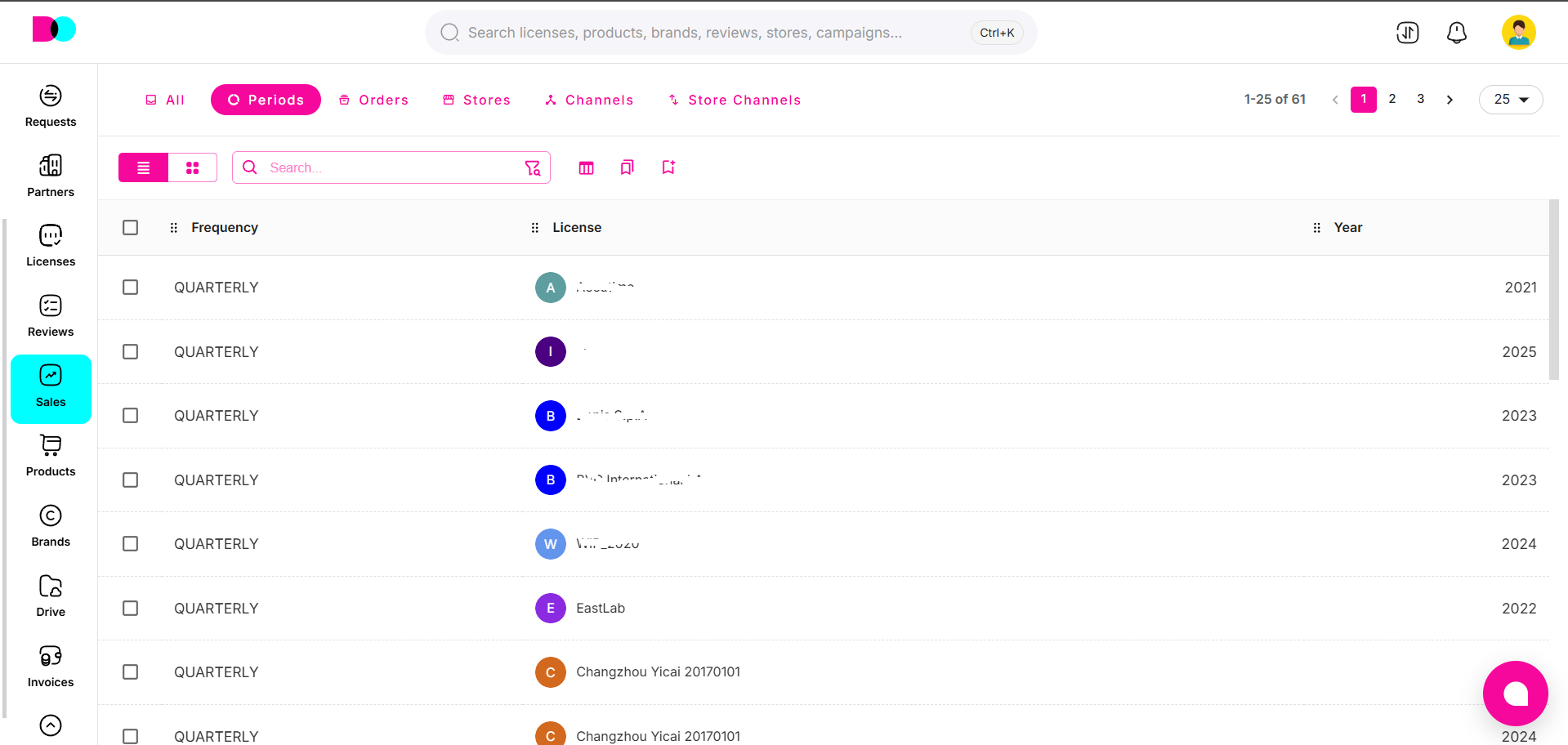
The Periods feature organizes sales reporting by time intervals (e.g., quarterly, annually). This helps you track performance trends, compare licensing outcomes over time, and streamline compliance or royalty calculations.
2. Orders
Description:
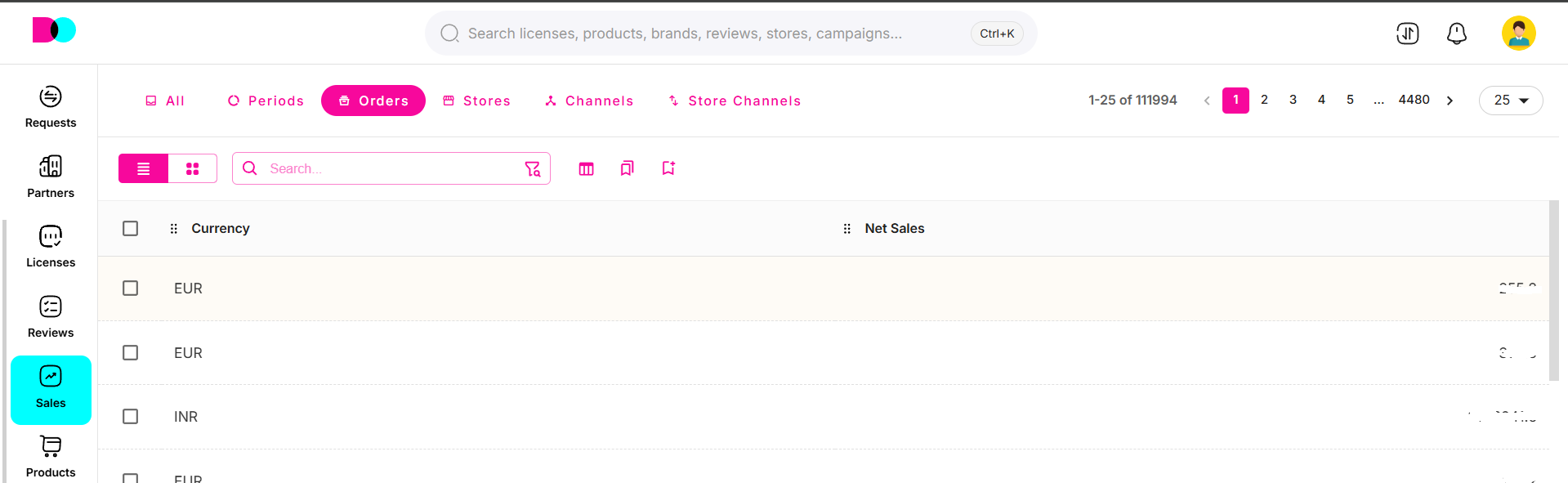
Orders provide detailed transaction and sales record views for each license, partner, or store. Track net sales, currency, quantity sold, and other critical metrics—enabling precise analysis of revenue streams and product movement.
3. Stores
Description:
Stores represent individual sales locations, both online and brick-and-mortar, mapped to licenses and channels. Manage store addresses, ownership data, open dates, and territory assignments for full portfolio oversight.

4. Channels
Description:
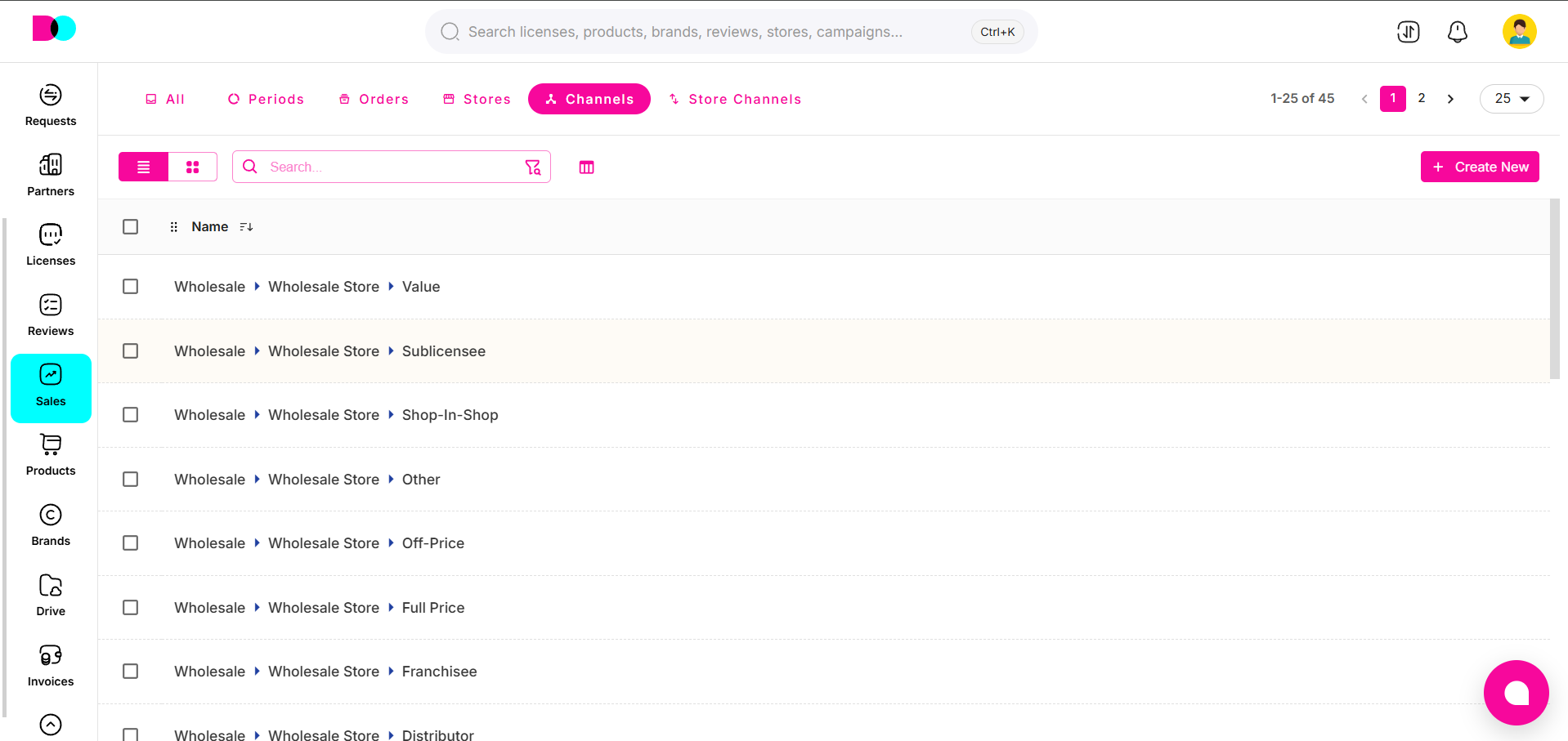
Channels categorize how and where your licensed products are sold—such as wholesale, retail, or direct-to-consumer. Use this tab to optimize distribution strategies and analyze which channels perform best for each license.
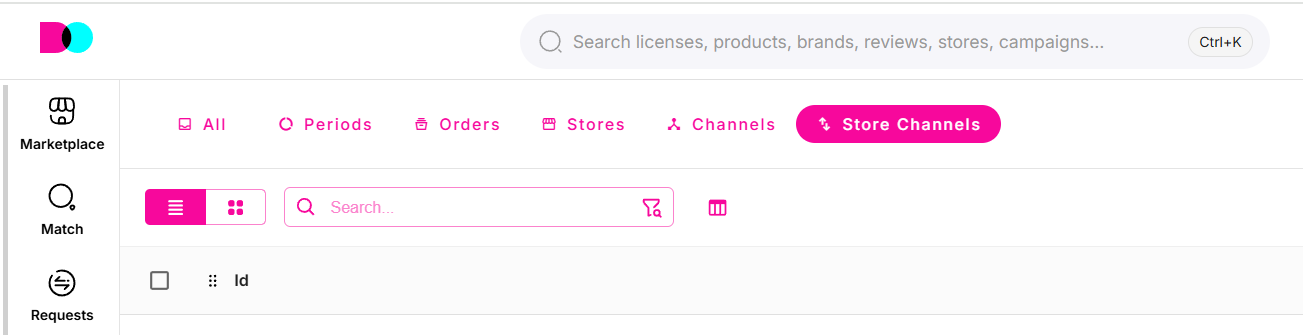
5. Store Channels
Description:
Link specific stores to sales channels for detailed channel/store mapping. This enables granular analysis of sales impact by location and distribution method—crucial for licensing audits and territory-based reporting.
Create New
Description:
The "Create New" button, found in most Sales module sections, allows you to add new reporting periods, orders, stores, channels, or store-channel relationships. This facilitates ongoing expansion and data management as your licensing network grows.
For best results, use filters and search tools in each tab to quickly locate records, and export sales data regularly for in-depth business analysis and compliance reporting.
Can't find what you're looking for?