How can we help?
Getting Started with Reviews

Reviews
Welcome to the Reviews feature in Dolicense! This guide walks you through how to browse, filter, manage, import, and export your reviews efficiently.
Overview
The Reviews module helps you monitor, manage, and collaborate on product, brand, or license reviews with your team and partners. Each review can contain supporting files, feedback, comments, and status updates, all easily accessible in one place for streamlined brand licensing workflows.
Navigation
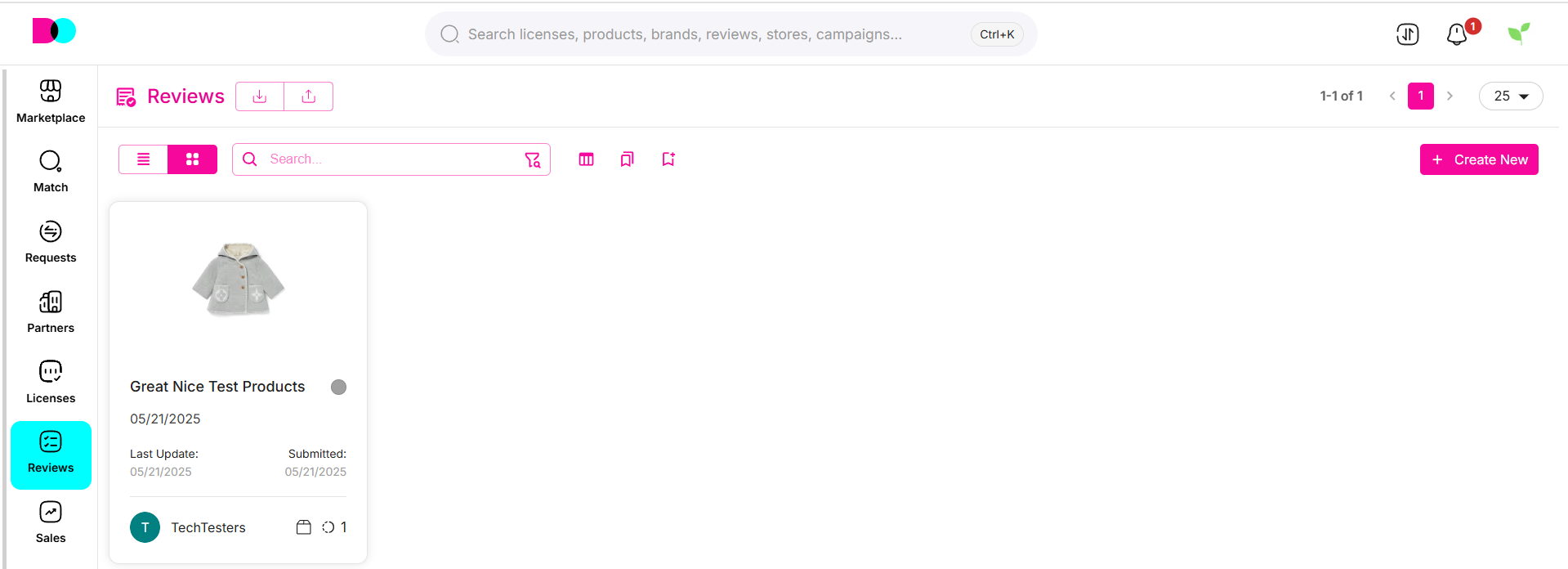
- Access Reviews: From the sidebar menu, click the Reviews icon.
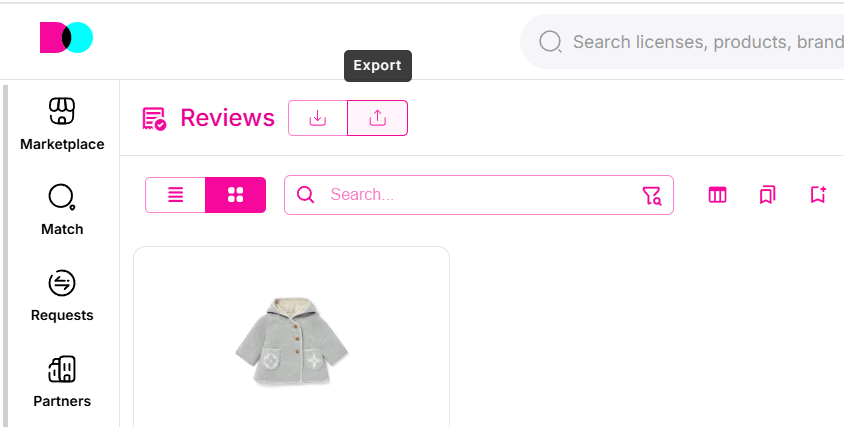
- Quick Actions: Use the "+" button to Create New review, or the grid/list icon to toggle display.
- Search: Enter keywords in the search bar to find licenses, products, brands, reviews, stores, or campaigns quickly.
 ---
---
Layout Options
Grid View
- Displays reviews as cards with thumbnails (image or PDF icon), title, update/submission dates, and status.
- Shows visual previews for easier identification.
- Select multiple reviews using checkboxes for batch actions.
List View
- Presents reviews in a table format with sortable columns.
- Provides quick access to advanced filters and bulk operations.
Manage Layout
- Use layout bar to switch views, sort, and adjust how many items per page display (e.g. 25, 50, 100).
- Click the gear/settings icon to show/hide columns.
Review Actions
Add New Review
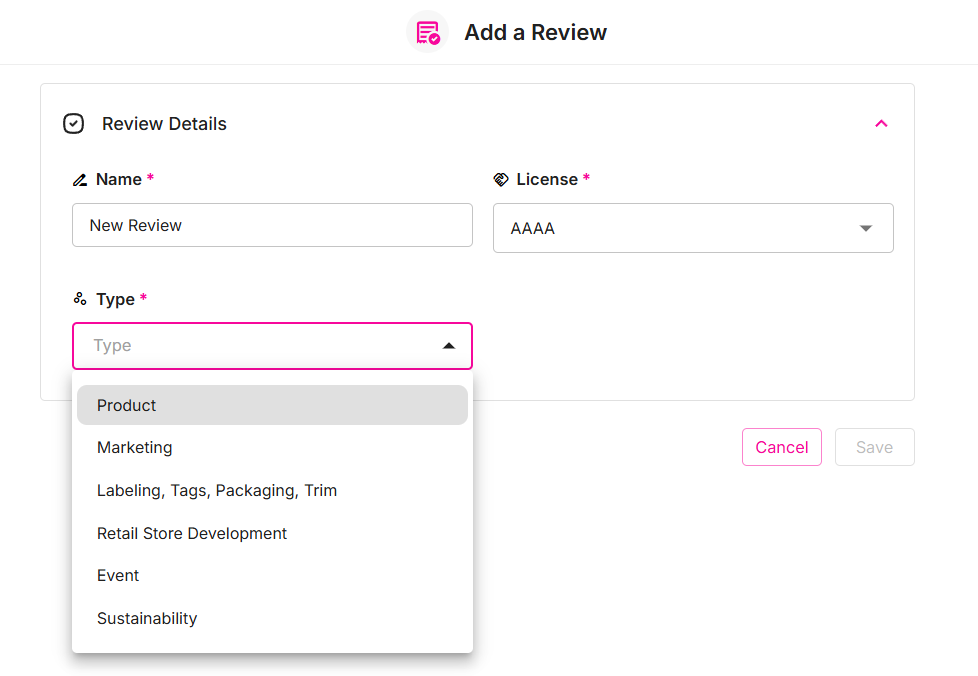
- Click Create New.
- Fill in the required product/brand/license details.
- Attach files or documentation (images, PDFs, comments).
- Assign to users/teams for review or feedback.
- Save to submit the review for workflow processing.
Import Reviews
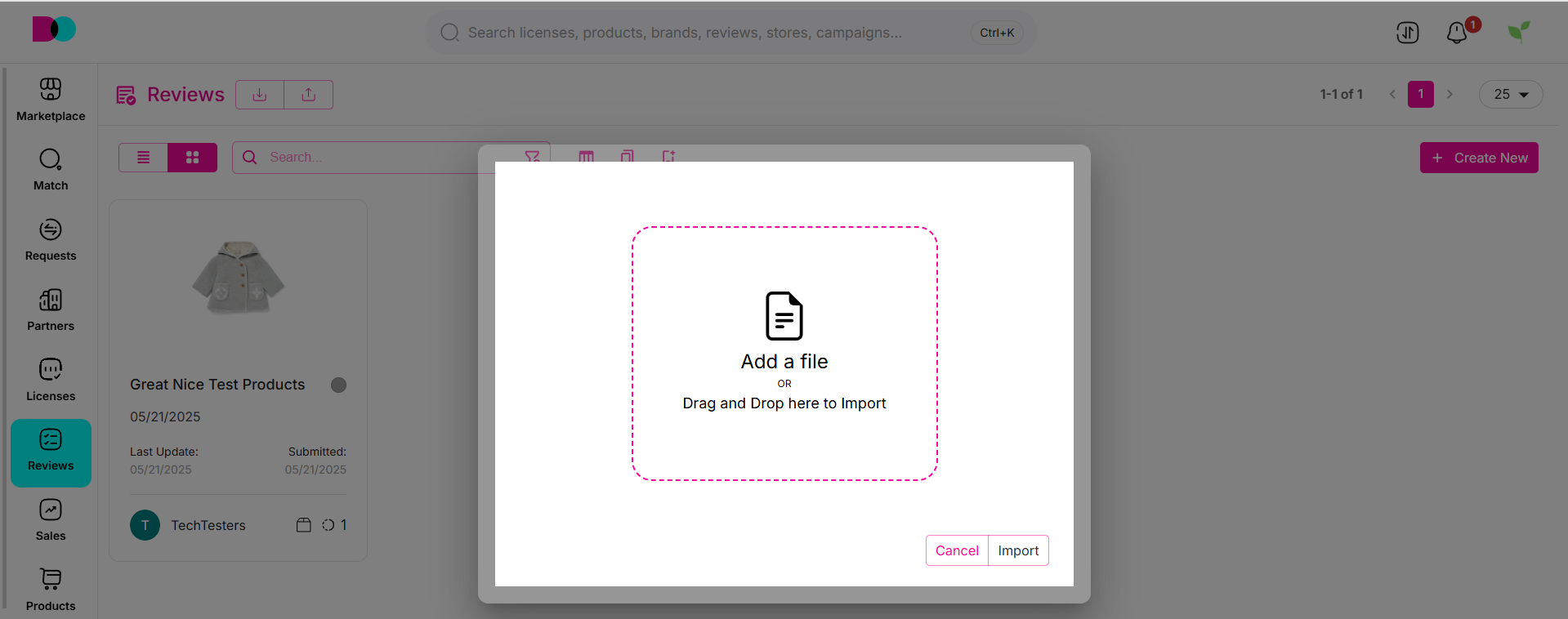
- Select the Import icon.
- Drag and drop a CSV or supported file format, or browse to select your file.
- Follow the prompts to map data fields or confirm mapping.
- Review imported entries for accuracy.
Export Reviews
- Click the Export icon at the top.
- Set export options (CSV format, sort field/order, limit, target folder).
- Select which fields you want to include in the export.
- Confirm to receive/download a CSV file.
Bookmarks
- Bookmark specific reviews for quick access.
- Use the bookmark panel to manage saved items for reference.
Collaborating and Feedback
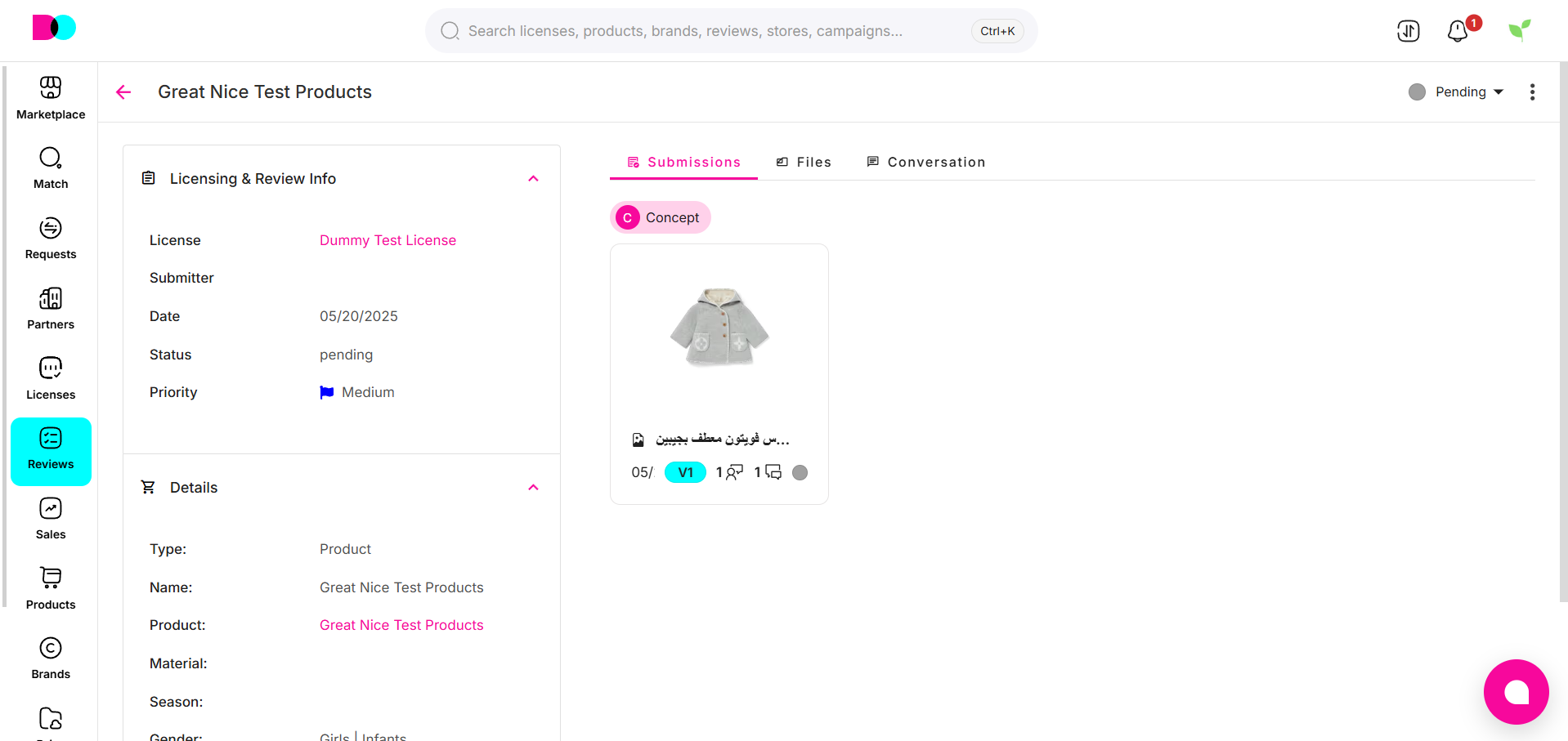
- Open any review for a detailed view.
- See history, feedbacks, and comments from team members or partners.
- Attach files or images relevant to the review.
- Monitor approval status and feedback panel for changes or special comments.
Tips & Best Practices
- Organize reviews by campaign, product, or priority for clarity.
- Use filters to quickly locate specific reviews during high-volume periods.
- Both grid and list views can be customized for personal workflow preference.
- Export regularly for reporting, archiving, or data analysis needs.
For further support, contact your Dolicense IT team or help desk at [email protected].
Can't find what you're looking for?