How can we help?

Products
Manage your licensed product catalog, organize by categories, and track core properties, reviews, and composition parts from a unified workspace.
Products
Description:
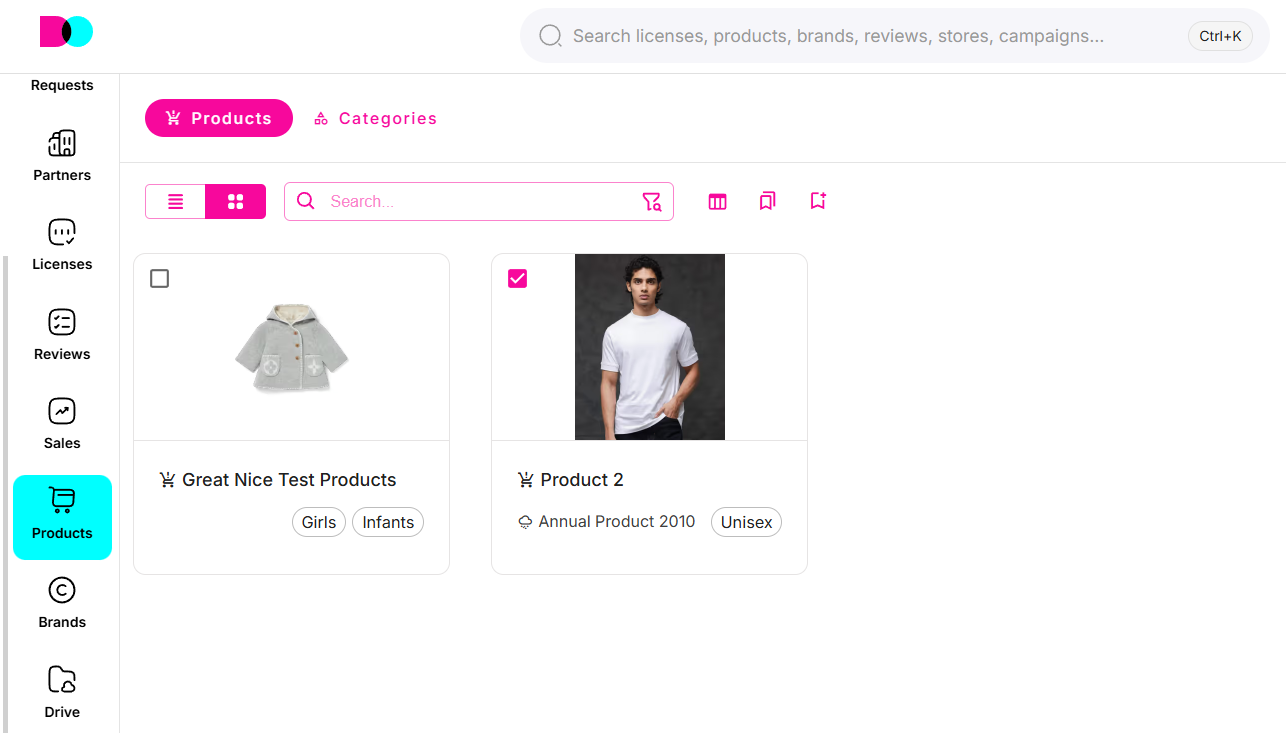
The Products dashboard lists all your licensed items, including essential details such as product name, season, gender, and creation date. This view helps you quickly trace inventory, prepare compliance reports, and connect products to reviews and license agreements.
Categories
Description:
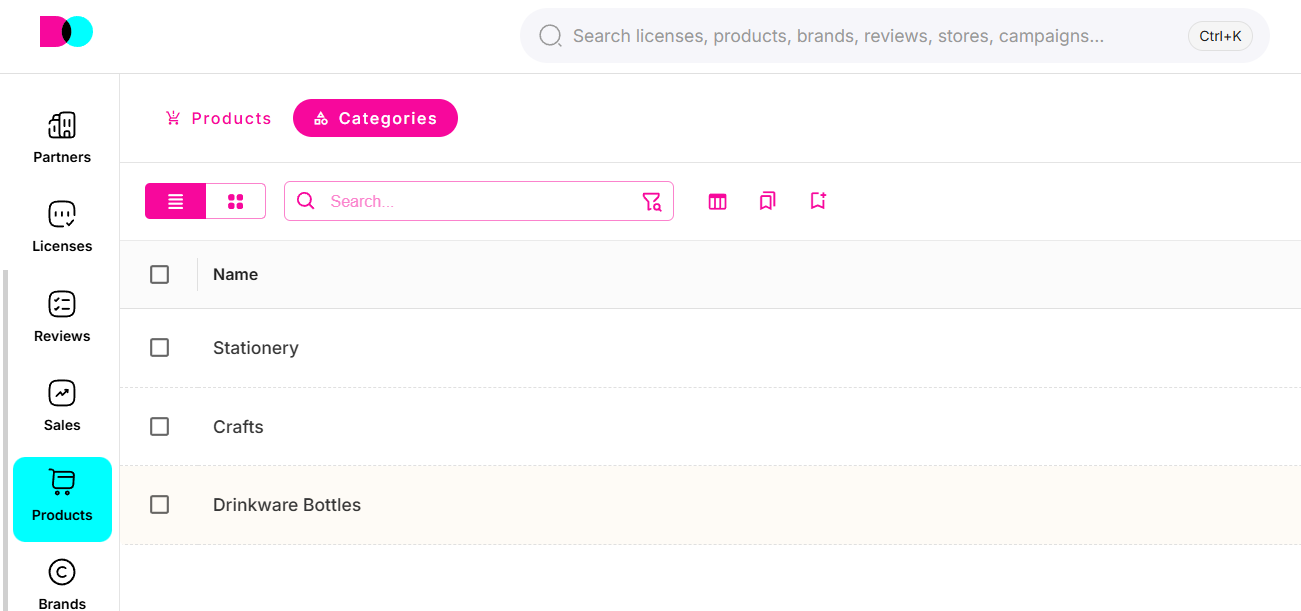
Categories allow for structured management of the entire product range, supporting nested classification (e.g., Apparel > Tops > Polo Shirts). This organization drives better search/filtering performance and analytics for your product pipeline.
Create New
Description:
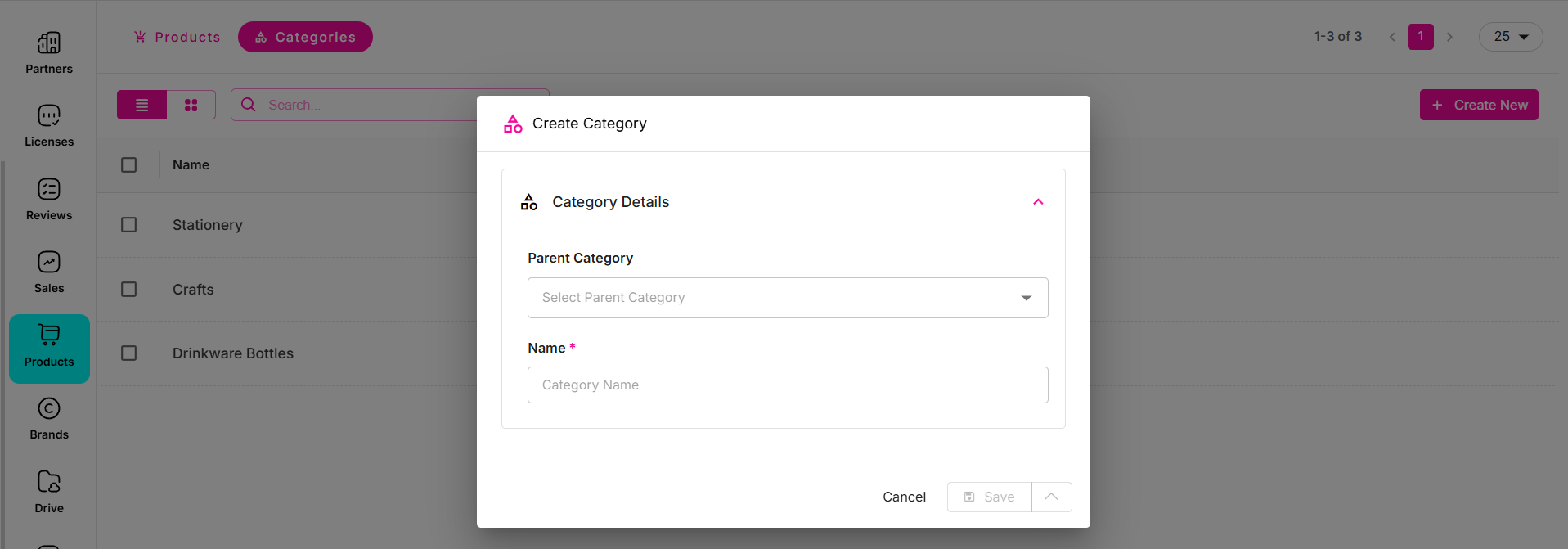
The "Create New" button lets you quickly add new products or categories to the system. For categories, you can select a parent category and name your new group—ideal for scalable catalog growth.
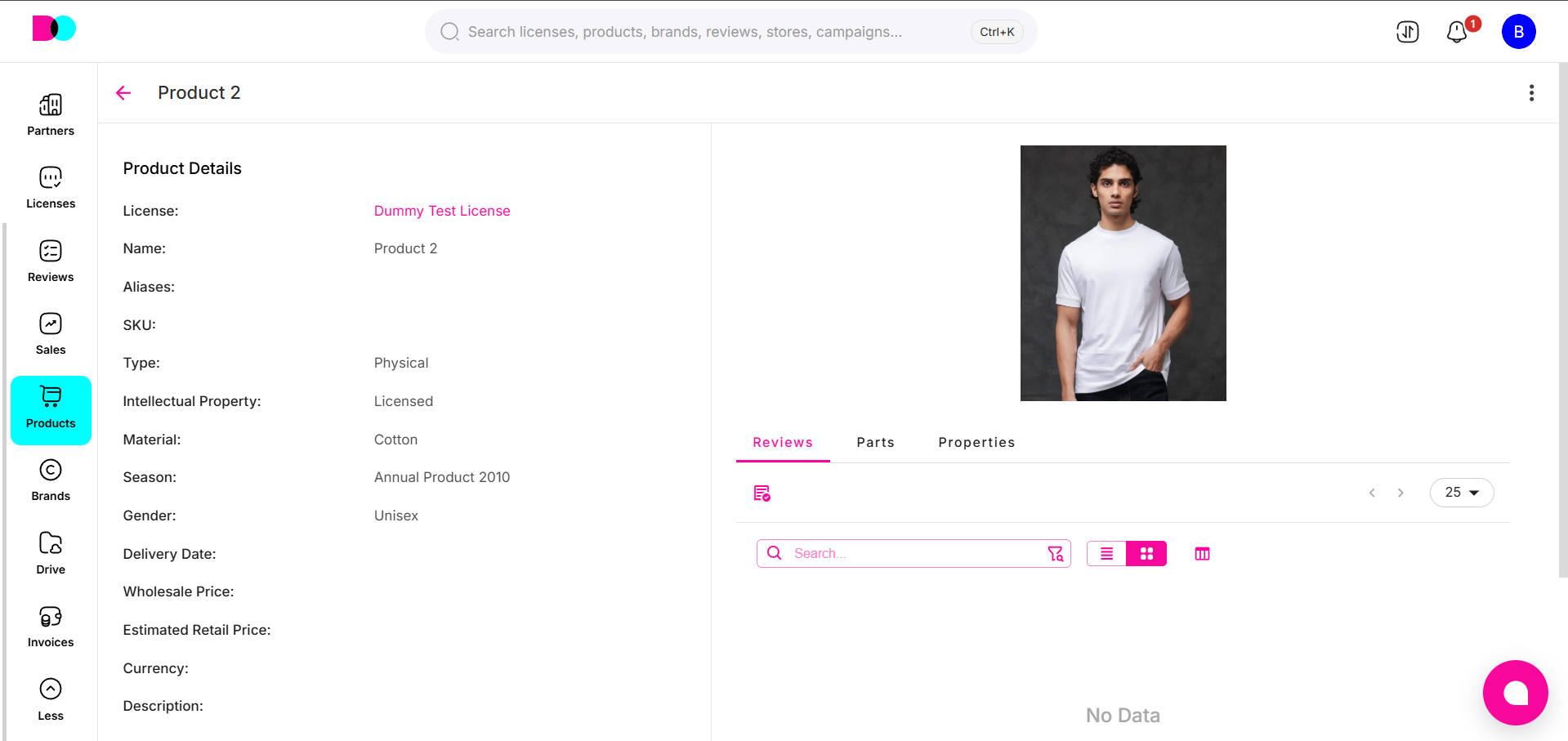
Product Details: Reviews, Parts, Properties
Reviews:
Track all review feedback and approvals on each product. Reviews streamline quality assurance, compliance, and collaboration between designers, licensors, and licensees.
Parts:
Document key product components and bill-of-materials, supporting accurate manufacturing, supply chain, and regulatory disclosures.
Properties:
Store metadata and product specifications—such as material, intellectual property status, price, or delivery date—for visibility and compliance.
For best catalog management, assign products to accurate categories and keep properties, reviews, and parts up to date as your licensing, design, and production workflows evolve.
Can't find what you're looking for?