How can we help?

Licenses
Efficiently manage your licensing contracts, relationships, and terms—whether you’re a licensor, licensee, or managing sublicenses within an enterprise environment.
Licenses Dashboard
Description:
The Licenses dashboard provides a table listing all active, pending, or historic license agreements. View vital details at a glance, including the license name, associated licensee and licensor, parent agreements, and creation/update dates. Use filters and search to streamline contract management and compliance reviews.
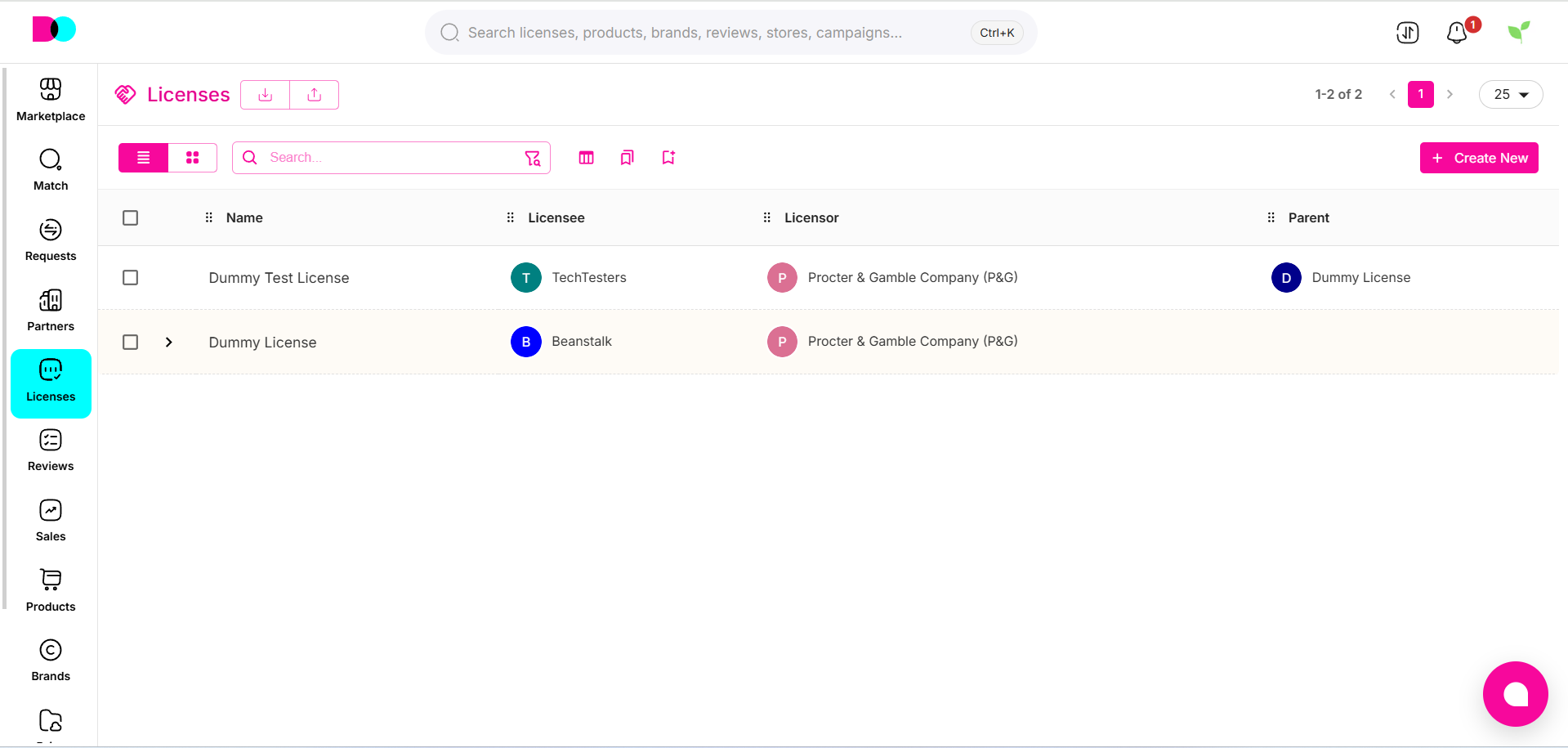
Create New License
Description:
Initiate new license agreements with a clear step-by-step flow. Click “Create New” to begin the contract creation wizard and capture all necessary details—including parties, scope, terms, documents, and fees.
Master License
- Description:
Choose “Master License” for contracts where rights are granted directly by the licensor to the licensee. This forms the primary agreement from which sublicenses can be generated later.
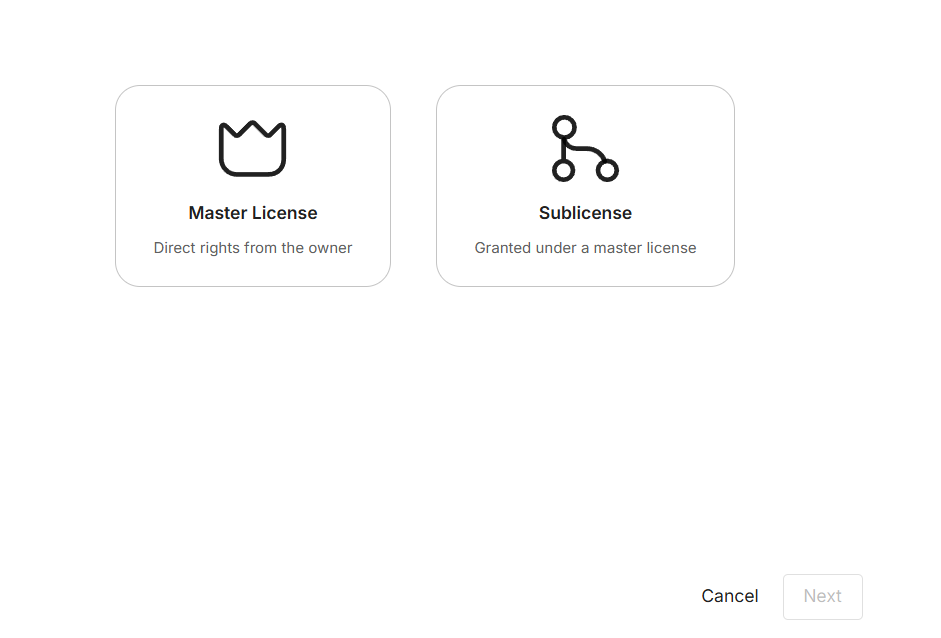
Sub License
- Description:
Select “Sublicense” if the rights are granted under an existing master license. This links the new contract to its parent, ensuring proper tracking of all downstream licensing rights and obligations.
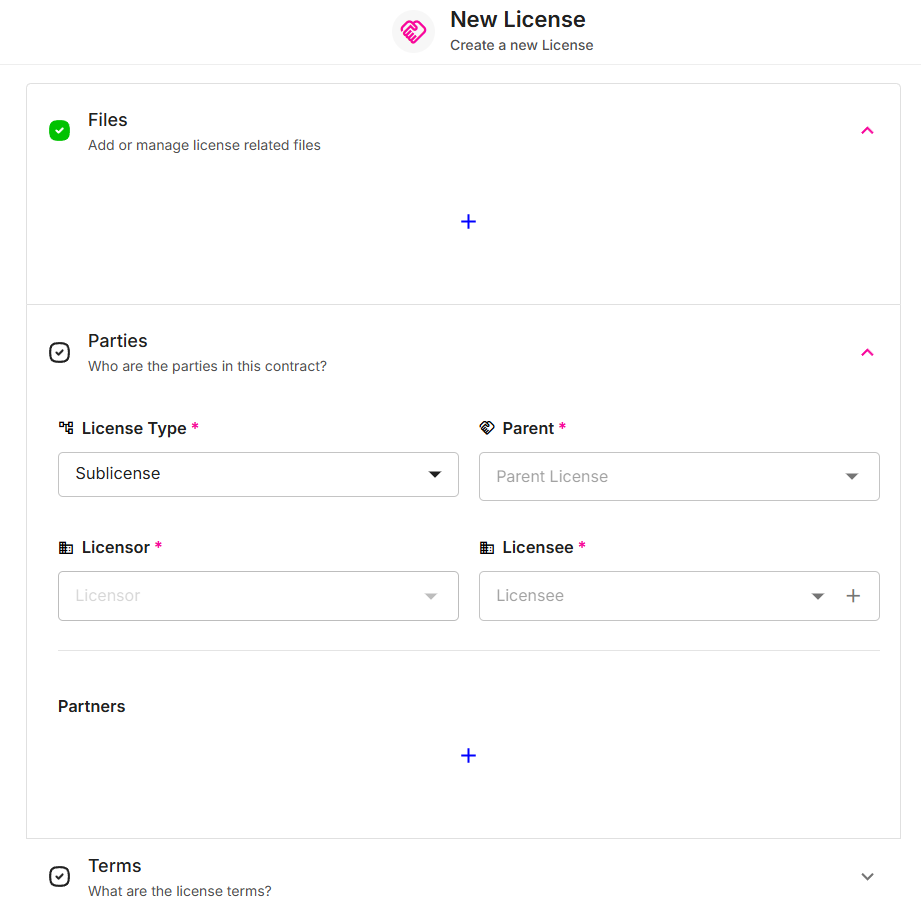
License Details & Editing
Description:
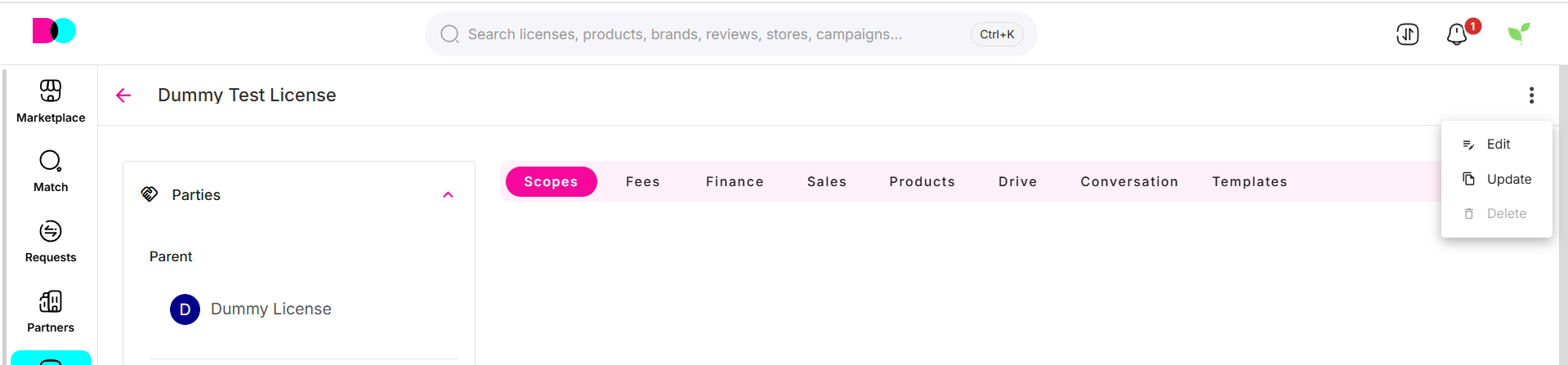
After creation, expand any license to access and edit contract documents, key dates, payment and fee arrangements, territory scopes, and associated product rights. You may update versions, archive, or add amendments as business needs evolve.
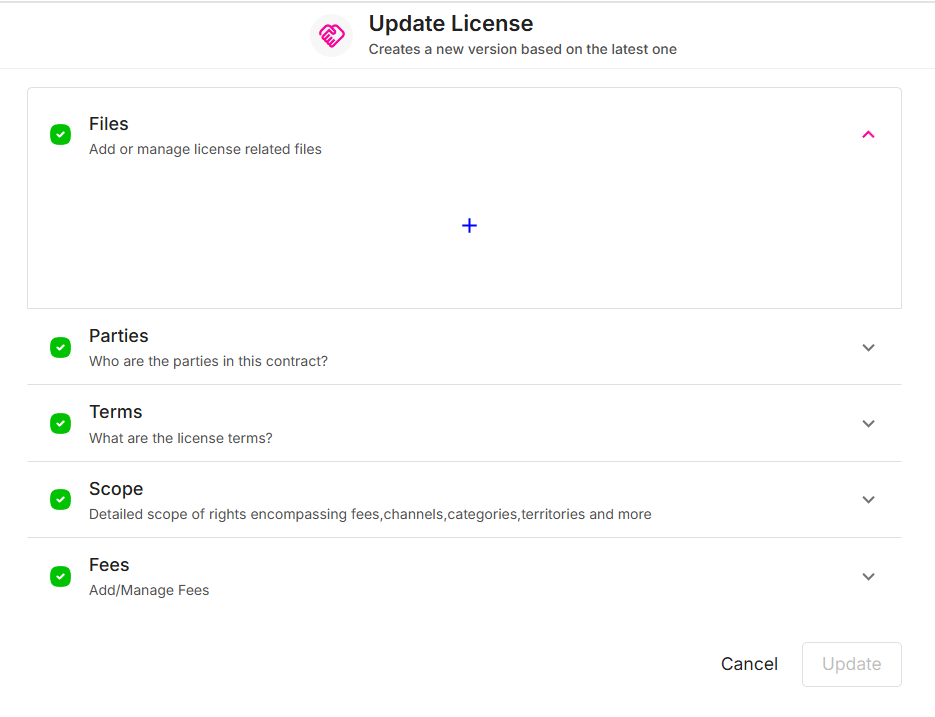
Version Control & Updates
Description:
Quickly create new license versions or updates—ensuring audit trails and contract changes are automatically tracked and governed.
For best results, regularly review agreements for expiry, renewal, and compliance requirements. Consult your legal or contract team before updating signed license data.
Can't find what you're looking for?